
Secure Way to Store Bitcoin Offline (2025 Guide)
Introduction: Why Offline Bitcoin Storage Matters More Than Ever As cryptocurrency adoption surges into 2025,
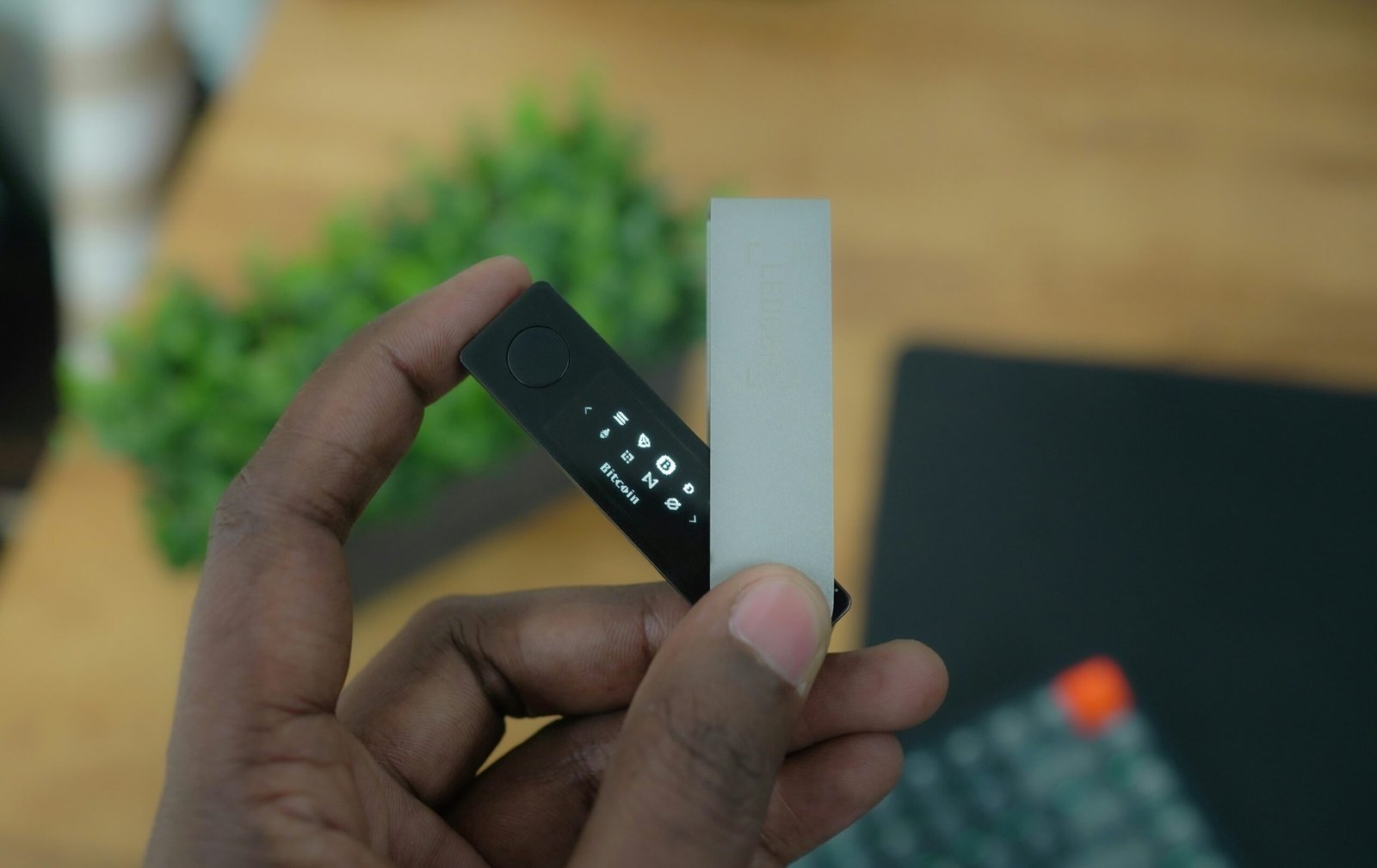
In 2025, hardware wallets remain the most secure way to protect your cryptocurrency — but only if the device itself is genuine.
Counterfeit or tampered wallets have caused millions in losses as scammers target unsuspecting crypto users with fake hardware wallets that leak recovery phrases or private keys.
Whether you bought your wallet online or from a reseller, knowing how to verify hardware wallet authenticity is essential to safeguard your assets.
In this expert guide, you’ll learn how to spot fake wallets, perform authenticity checks for Ledger, Trezor, and ELLIPAL, and how to buy safely from trusted sources like WalletVault12.
🛒 Ready to shop verified wallets? Browse all hardware wallets here.
A genuine hardware wallet is a device manufactured, sealed, and shipped directly from the official producer or an authorized reseller.
Authenticity ensures:
A counterfeit wallet might look real — but it could contain modified firmware or preloaded recovery phrases, allowing hackers to drain your crypto once it’s transferred.
Understanding scam tactics helps you stay one step ahead. Here are the most common types of fraud seen in 2024–2025:
Some fake wallets arrive with a printed “recovery sheet” already filled out.
⚠️ Never use a prefilled seed phrase — this means your private keys are already compromised. Always generate a new one on setup.
Scammers reseal boxes using imitation shrink-wrap and fake holograms. Genuine wallets have unique security seals and factory packaging that can’t be easily replicated.
Fraudsters clone official brand websites or create lookalike stores with URLs that differ by one or two letters.
Only buy from authorized retailers like WalletVault12 or directly from the manufacturer.
Modified firmware can silently send private keys or transaction data to third parties. Authentic wallets allow you to verify firmware integrity during setup.
A used wallet could still store malicious code. Always buy new, sealed hardware wallets — not secondhand units.
Ledger Nano X is one of the most popular hardware wallets, but it’s also a prime target for counterfeiters.
Follow these steps to confirm your Ledger’s authenticity:
If you see a prefilled recovery phrase or missing accessories, stop immediately.
If the device fails verification, contact Ledger Support or return it under your Refund & Return Policy.
The Trezor Model T is renowned for its open-source firmware, which makes verification easier.
Always generate your seed phrase directly on the device screen. Never use a prewritten or externally provided one.
The ELLIPAL Titan 2.0 is unique for its fully air-gapped design — no Wi-Fi, Bluetooth, or USB connectivity. This feature makes verification both simple and secure.
Official ELLIPAL devices include anti-tamper seals that cannot be removed without visible damage.
Always purchase from verified, official channels to avoid counterfeit risks.
Authorized sources include:
Buying from unauthorized marketplaces (e.g., eBay or unknown online stores) exposes you to repackaged or modified devices.
If you’re ever unsure, contact the manufacturer to confirm the seller’s legitimacy before purchase.
Scammers often set up phishing websites that look identical to real crypto wallet stores. Before entering any payment info, check the following:
| Checkpoint | What to Look For |
|---|---|
| URL | Must start with https:// and the correct domain name |
| Typos | Misspellings like “ledgerwallets.io” instead of “ledger.com” |
| Payment Options | Be cautious if they only accept crypto payments |
| Refund Policy | Genuine sellers like WalletVault12 have clear, public policies |
| Contact Page | Authentic sites list physical addresses and support emails |
If anything looks suspicious, avoid completing the purchase.
After unboxing, check that your recovery sheet is blank.
A genuine wallet never includes a pre-generated seed phrase.
You must generate your own seed phrase on the device, not through any printed card or online generator.
Write it down offline, store it securely, and never take a photo of it.
Q1. Can hardware wallets be faked?
Yes. Counterfeit units can contain modified firmware or prefilled recovery phrases that compromise your crypto.
Q2. How can I verify a wallet before using it?
Always use official software (Ledger Live, Trezor Suite, ELLIPAL App) — they automatically check authenticity and firmware signatures.
Q3. What should I do if my wallet fails the authenticity check?
Stop setup immediately and contact the seller or manufacturer. If purchased from WalletVault12, refer to the Refund & Return Policy.
Q4. Are hardware wallets bought on Amazon safe?
Only if the listing is from the official manufacturer or an authorized reseller. Always double-check before purchasing.
Q5. What’s the safest place to buy a wallet in 2025?
From authorized partners like WalletVault12, which guarantees genuine, factory-sealed devices.
The most advanced wallet in the world can’t protect your crypto if it’s not authentic.
Verifying your hardware wallet’s legitimacy ensures your private keys — and your investments — remain truly yours.
Before you transfer any funds:
🛒 Secure your future with verified hardware wallets — Shop now.
Introduction: Why Offline Bitcoin Storage Matters More Than Ever As cryptocurrency adoption surges into 2025,
Introduction: Why Customer Support and Refund Policies Matter When buying hardware wallets or crypto security
Introduction: Why Tamper-Proof Hardware Wallets Matter In the crypto world, security is non-negotiable. With hackers